
If you can’t get any audio from the speakers in Spurgeon here’s a checklist:
Check mixer and stage boxes are powered
Obvious – but worth checking they are all lit up!
Are the stage boxes linked to the mixer?
There should be green link lights on the stage boxes

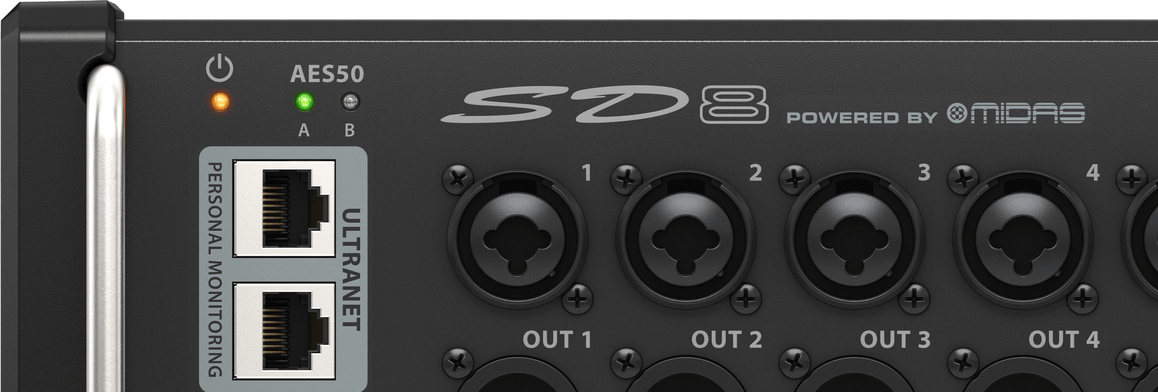
The mixer should show “S16+” at the top of the display, showing there is an S16 stage box + another (SD8 in the console area)

Ours should show S16+
If not then the ethercon link cable is suspect. You can try the following:
Replug the cable at the mixer end
Try the other AES50 connector on the mixer (if you do switch it you will need to change the routing page on the X32 to change the inputs from AES-A to AES-B or visa versa)
Replug the cable at the stage boxes ends